
Our products
Parking area management system
The parking area management system is a web-based platform for managing an entire parking facility from a single location: parking zones and spaces, customers and vehicles, reservations, rates, invoicing, access control for service providers, and the allocation of electricity and gas costs.

What it does
- Configure parking areas using an interactive site map and individual parking spaces.
- Manage clients, vehicles, subscriptions, and access badges, with bookings available in both list and calendar views.
- Handle rates, agreements, and invoicing, with a summary dashboard covering occupancy and revenue.
- Integrate with access control service providers and automatically allocate electricity and gas costs among the various parties on a monthly basis.
Potential clients
- Operators of rest areas and parking facilities for vehicles and heavy-duty trucks, serving both regular and occasional customers.
- Facilities with controlled access.
- Multi-tenant properties or areas where electricity and gas costs need to be shared.
ILP BI
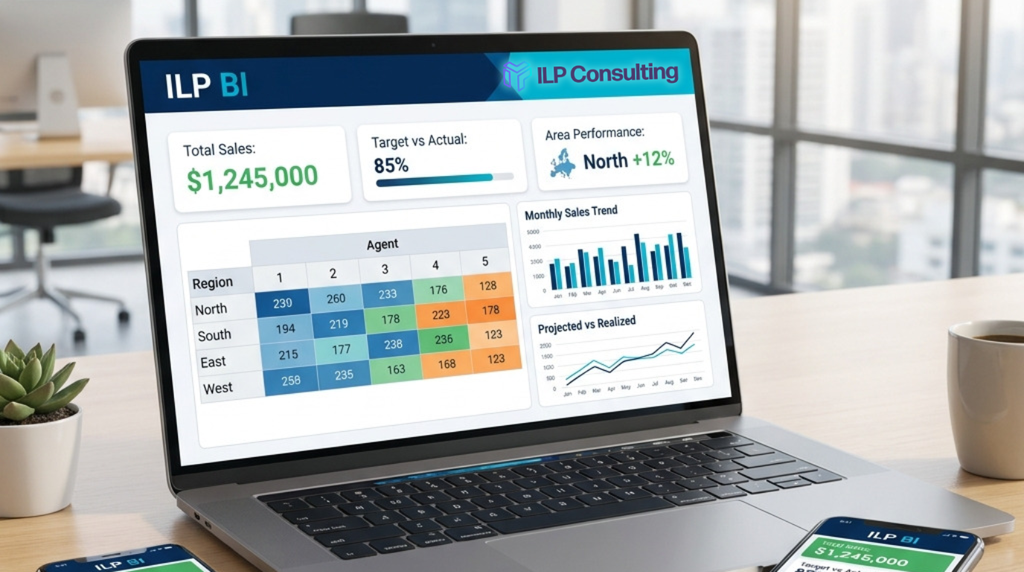
ILP BI is a business intelligence portal connected to your management software; it transforms sales data into KPIs, pivot tables, charts, and dashboards, presenting each individual—from the individual sales agent to senior management—with the specific metrics relevant to them.
What it does
- Imports sales data from the ILP management system and prepares master data for items, agents, and territories.
- Provides report sheets featuring lists, pivot tables, charts, and dashboard pages.
- Automatically applies data scope: agents see their own sales, area managers see their respective territories, and administrators see the total.
- Allows each user to build their own KPIs using custom pivot tables, without altering the official reports.
Who it is for
- Companies that use management software and want to view sales data without manual data extraction.
- Sales networks with agents and area managers who need to track their own performance.
- Sales management teams that want a unified dashboard and shared metrics.
TMS by ILP
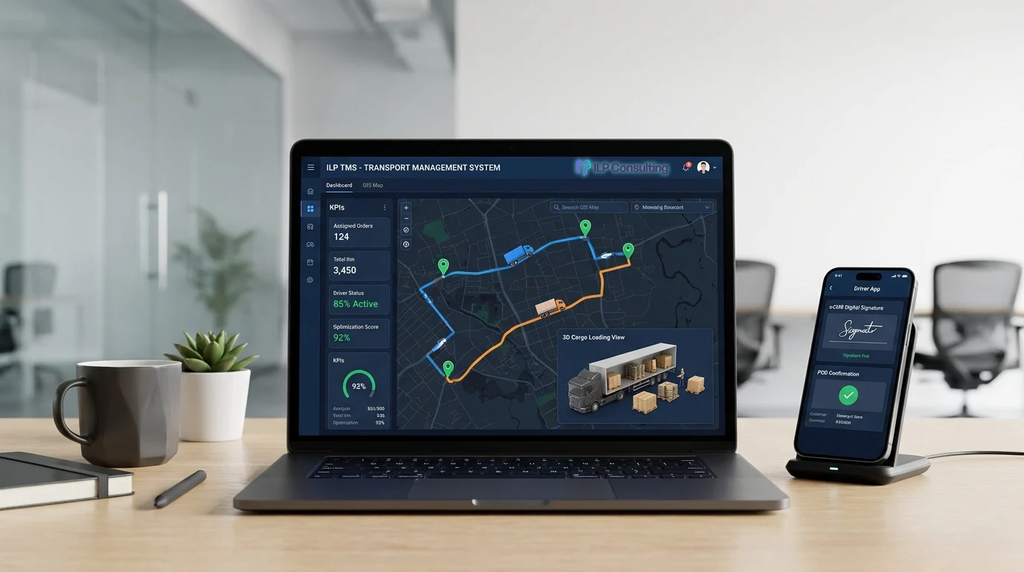
ILP TMS manages transport operations from customer order through to invoicing: it calculates optimal routes, selects between your own fleet and subcontractors, tracks vehicles via a driver app, and displays costs and margins.
What it does
- Collects orders—whether entered manually, imported from CSV or Excel, or quoted as spot requests.
- Calculates routes, taking into account vehicles, drivers on shift, schedules, capacity, and costs.
- Combines your internal fleet with subcontractors to propose the most cost-effective solution.
- Tracks execution via a driver app and real-time monitoring, and completes the cycle with PODs, eCMRs, pallet management, incident handling, and invoicing.
Potential clients
- Transport and logistics companies that operate their own fleets, work with subcontractors, or both.
- Businesses that manage FTL (Full Truckload), groupage (LTL), last-mile delivery, pickups, returns, and transfers between depots.
- Organizations with multiple depots, temperature-controlled goods, or ADR (hazardous materials) shipments.
OMS by ILP
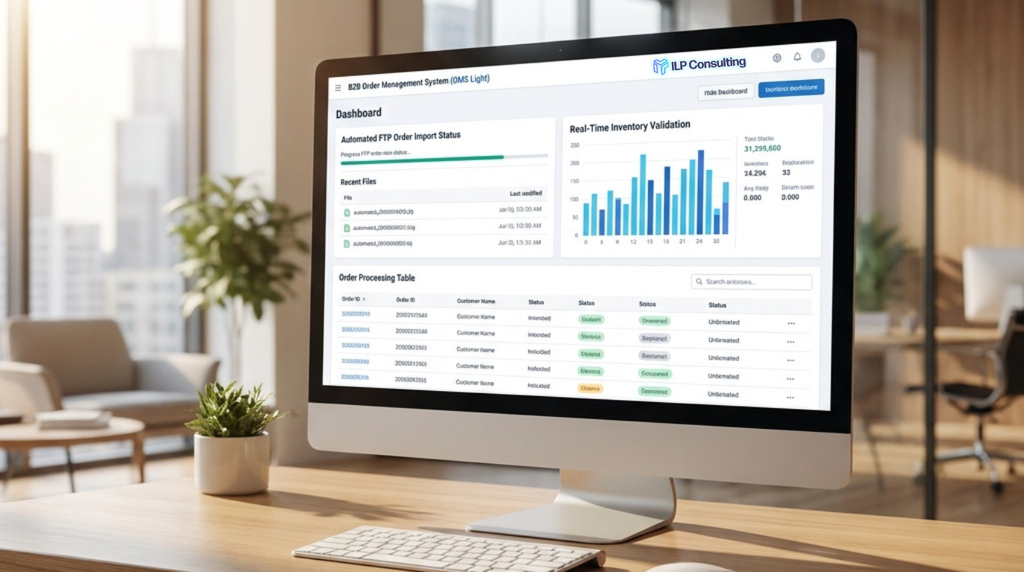
OMS centralizes order management between the company, warehouses, and customers, who exchange orders via files (Excel or text) placed in shared folders or on FTP servers.
What it does
- It automatically receives and interprets customer orders as soon as a file appears in a designated folder or on an FTP server.
- It allows for the creation of orders on-screen, the checking of stock levels and master data, and the generation of files in the customer’s required format for upload to their FTP server.
- It keeps track of orders, customers, items, inventory, and import history—ensuring you always know what happened and when.
Potential clients
- Distribution, wholesale, and logistics companies handling high-volume B2B orders.
- Businesses with key clients (such as retail chains, wholesalers, or integrators) that mandate specific, compulsory order formats.
Digital Orders
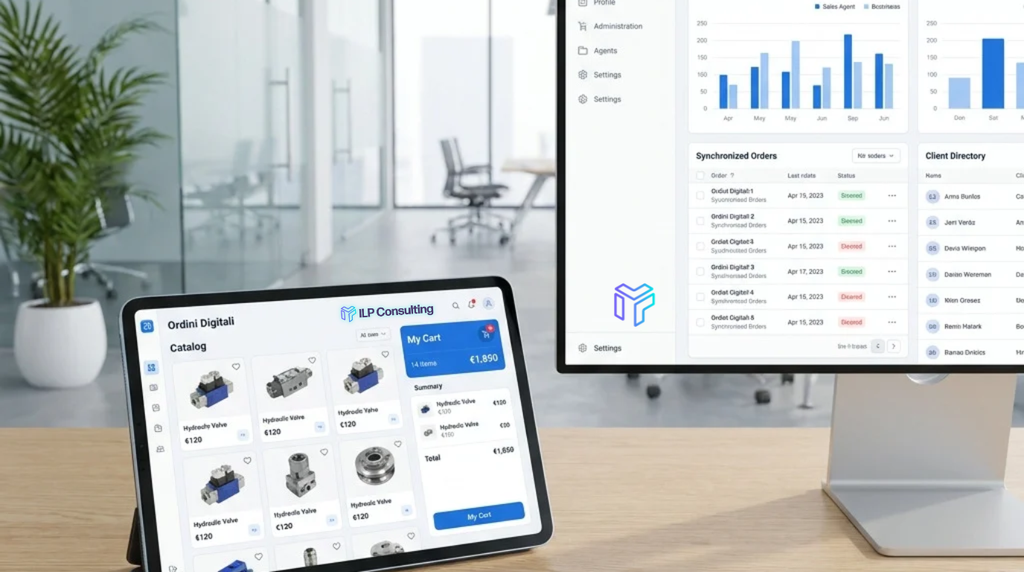
A web app that allows sales representatives to take orders while visiting clients—with access to customer data, product catalogs, and pricing—even when offline, and then submit them to the company. The product is integrated with the management software.
What it does
- Provides sales representatives with access to their customer list, product catalog, and customer-specific pricing—available on smartphones, tablets, or PCs.
- Enables order placement during client visits, featuring a guided shopping cart, draft orders, and built-in business rules for discounts and constraints.
- Works offline: orders are queued and automatically transmitted once the connection is restored.
- Integrates with your management software (ERP): it imports customer data, product information, and price lists, while exporting processed orders.
Potential clients
- Distributors, wholesalers, and manufacturers with a network of sales agents who take orders during in-person visits.
- Companies with complex product catalogs and varying price lists or terms for different customers.
- Sales teams that often operate without an internet connection or with an unstable network.